4.1
Free
Nitro Pro
Convert documents from word, excel, or powerpoint into polished pdfs

What will happen when you click Free Download?
Free
Windows
Windows 7
English
1.6M

MIT Enigma: Desktop Enigma Machine Emulation for Text Encryption

Pen-first PDF markup optimized for Windows pen devices

Modern CSV: Tabular Data Editor
Comprehensive PDF Manipulation Tool for Windows

Comprehensive EPUB Editing with Sigil
NAPS2: Efficient Document Scanning and PDF Conversion

AI-Powered UPDF

Hold to talk. Release to clipboard.
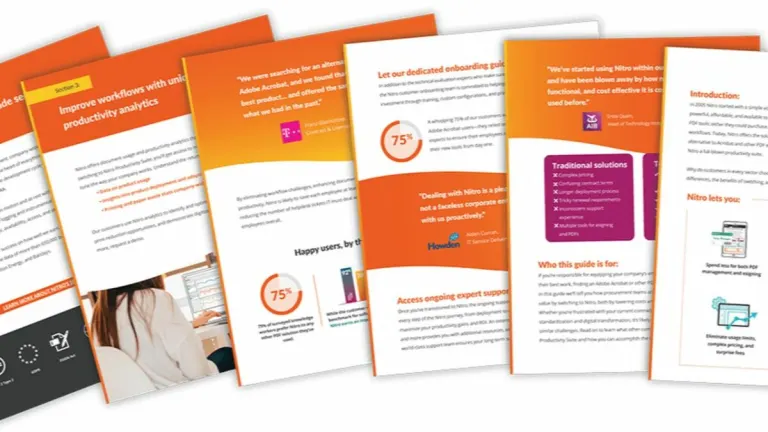
This program allows the user to create, share, edit, convert, and sign PDF files. It is self-described as a direct competitor to the Adobe Acrobat program. There are two layers to the Nitro PDF program: a free version, which contains the basic features that one would expect to have, and a 'pro' version, which has enhanced and upgraded features for the user to get involved with.
Yes, the program is free for some of the features. Namely, these are the ability to view, e-mail and share files, add notations to text, and convert to various Microsoft file formats. There is also a 'pro' version which, for a fee, has a wide range of added features, including editing and scanning files, and the ability to make scanned PDFs fully searchable.
Yes, the program is safe to download, install and use. It is virus and malware-free. The product is also protected through continuous patches from Nitro Software Inc.
At present, this software is not available for Mac devices. It is only available on Windows operating systems as far back as Windows 7.
Yes, the software does allow the user to convert files to types that are compatible with Microsoft Excel. This is available on both the 'free' Nitro PDF program and the 'pro' version.
The process of merging multiple files and files types into a PDF form is only available with the 'pro' version of this program. The user can achieve this by clicking the 'combine' button which is available on the 'home' tab.
Yes, this program is available to download in both 32-bit and 64-bit mode.
The latest version of this program, number 11 released in July 2016, contains many new features. Prominent amongst them is the upgraded interface with new icons which allows a more interactive and easier experience for the user. Added to this is the ability for the user to add a custom layer of tools onto the home ribbon, which improves accessibility. Saving files to the cloud is now an automatic feature as the online storage system has been directly added to the program's various menus.
Patches are released on a fairly constant basis to tweak various elements of the software, cure bugs and add new features. For reference, the last patch was released in January 2018. In terms of complete new versions, the program is currently on iteration 11, which was first released 20 months ago.
The program is only available for Windows operating systems. The latest version can be installed on Windows 10, 8 and 7 (64-bit only).

An update for Microsoft Office 2007

Editor that gets the job done
A simple PDF reader for your files!

Your new favorite PDF editing tool
Streamlining your digital document workflow without hassle
Free note-taking app from Microsoft
Lightweight PDF reader and editing app
Efficient Document Conversion Tool for Windows

Distraction-Free Writing with OmmWriter Dana

Efficient PDF Conversion Tool for Editing